

 Oct 27, 2026
  15 min read
A multi-vendor auction plugin does half the job. The other half comes from a marketplace plugin that gives each vendor a dashboard, so sellers can list their own auctions while you collect a commission. This guide helps marketplace builders and auction site owners pick the right pairing. We installed the three most common setups and ran a vendor auction on each, from listing to winner payment [PLACEHOLDER: confirm what you actually tested], and since Ultimate Auction Pro is our plugin, we’ll say plainly where the others fit better.
Quick Answer: The best multi-vendor auction plugin setup depends on what you already run. Ultimate Auction Pro with the free WCFM Marketplace suits owners who want fewer paid pieces and automatic winner charging. Dokan with Dokan Simple Auctions fits sites already built on Dokan, and YITH Auctions with YITH Multi Vendor fits shops that already use YITH plugins.
An auction plugin is multi-vendor when vendors can create, edit, and manage their own auctions from a front-end dashboard, without ever opening wp-admin. If your sellers need a WordPress admin login to list an item, you have a single-seller auction site with extra users.
That one test filters out a lot of plugins. Here’s what a real multi-vendor setup covers:
Most buyers look at the auction features first and the vendor side second, and that’s backwards. Bidding rules are easy to tweak later. A weak vendor dashboard sends your sellers away, and without sellers you have no auctions.
[PLACEHOLDER: screenshot of a vendor dashboard showing a live auction, with one line on what a vendor can and can’t change. Example: “Vendors can set the reserve, but only admins can delete bids.”]
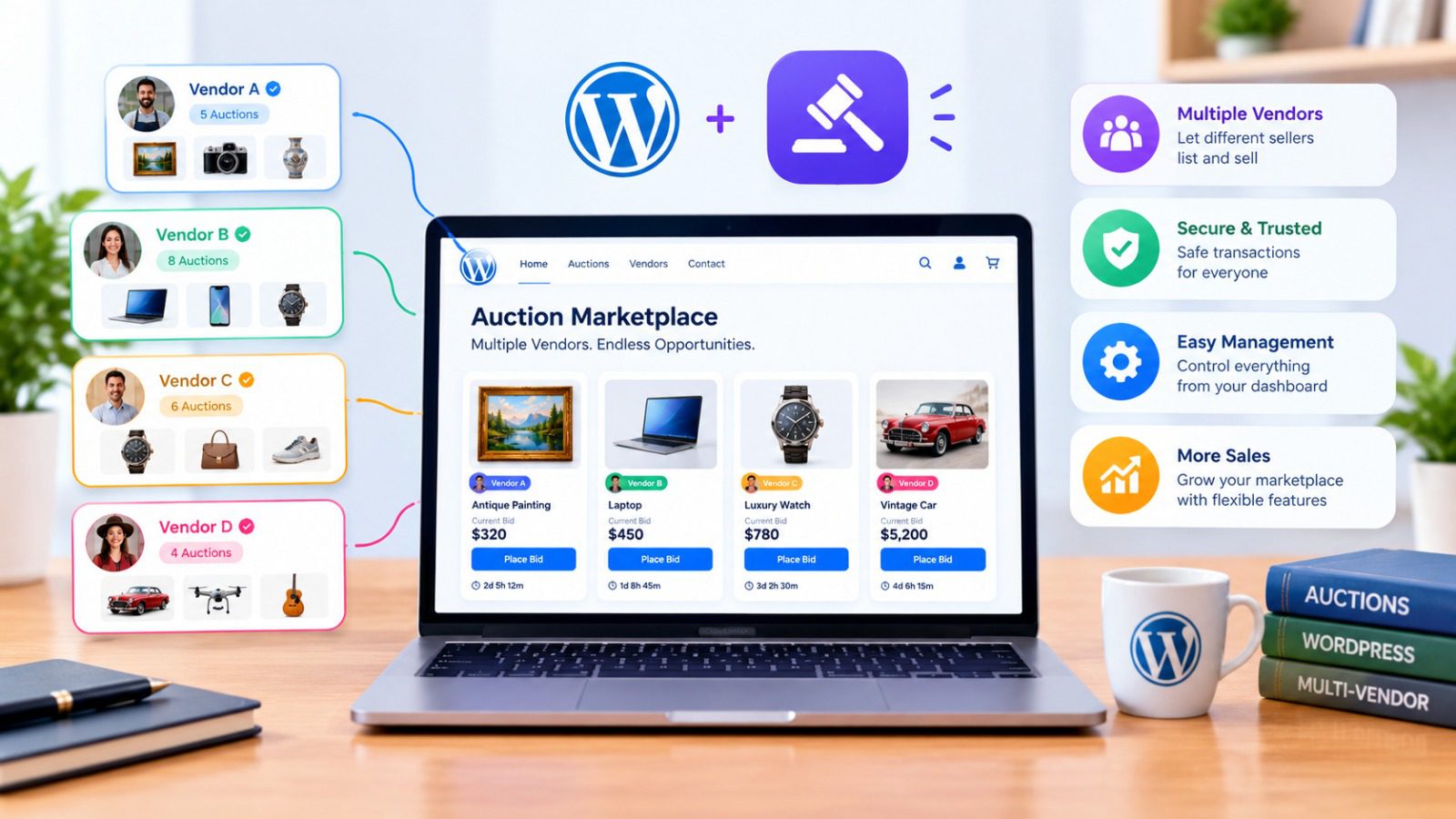
Every multi-vendor auction site runs two layers: a marketplace plugin for vendors, storefronts, and commission, and an auction plugin for bidding. Some setups connect these two layers directly. Others add a third piece in between.
Think of it as a stack.
The marketplace layer turns WooCommerce, which supports one seller by default, into a platform with many. It gives vendors their dashboards and storefronts and handles commission. Dokan, WCFM Marketplace, and YITH Multi Vendor all do this job.
The auction layer adds bidding to products: proxy bids, increments, countdown timers, and winner notifications. This is where Ultimate Auction Pro, Dokan Simple Auctions, and YITH WooCommerce Auctions sit.
The number of pieces you manage changes how much work the site is later. Here’s how the common setups compare:
| Setup | Pieces you install |
|---|---|
| Ultimate Auction Pro + WCFM Marketplace | Two plugins. WCFM Marketplace is free. [VERIFY] |
| Dokan + Dokan Simple Auctions | Dokan Pro plus the auction add-on, and WooCommerce. [VERIFY: whether a separate base auction plugin is also needed] |
| YITH Auctions + YITH Multi Vendor | Two YITH plugins, both paid. [VERIFY] |
Some marketplace plugins also split their own features across several plugins. For example, a full WCFM setup can involve separate core, marketplace, and add-on plugins. [VERIFY: current WCFM plugin structure before publishing.] Count those too, because every plugin is another update to run and another thing that can conflict.
Why does the count matter? A WooCommerce update lands, and one of your plugins breaks. With two pieces, you check two things. With four, you spend an afternoon figuring out which one failed. Fewer pieces make troubleshooting faster, and they make support easier, because you’re asking one team instead of three.
[PLACEHOLDER: screenshot of the WordPress installed plugins list for each setup you tested. Add one line on how long each install took, for example “Setup A took [X] minutes, Setup B took [Y].”]
Compare seven things: whether vendors can run auctions from the front end, which bidding features you get, how winners pay, how many paid pieces you need, the total yearly cost, how the plugin handles auction endings, and how good support is. The list is short on purpose. Anything beyond this is a nice-to-have.
Here’s what to check on each one, and why it earns a place on the list.
| What to compare | Why it matters | What to check |
|---|---|---|
| Vendor front-end auctions | Sellers who can’t list on their own won’t stay | Can a vendor create and edit an auction without wp-admin? |
| Proxy bidding | Bidders set a maximum and the system bids for them, which keeps the final price fair | Is it included, or sold as an extra? |
| Anti-sniping (soft close) | Late bids extend the timer, so nobody wins in the last second | Is it included, and in which license tier? |
| Winner payment | Chasing winners for payment wastes your time and the vendor’s | Manual checkout, or automatic charge to the winner’s card? |
| Number of paid pieces | Each one adds a renewal date and a possible conflict | Count every paid plugin and add-on in the stack |
| Total yearly cost | The auction plugin’s price is rarely the whole bill | Add the marketplace license, add-ons, and payment fees |
| Support | You will need it, usually right after an update | Who answers, and how fast? |
Two of these catch people out more than the rest.
Winner payment. On a single-seller site, a winner who doesn’t pay is a small annoyance. On a marketplace, it’s a vendor who sold something and got nothing, and vendors leave after that. Automatic charging with a saved card prevents most of these problems. The catch: you need card details at registration, and some bidders hesitate to hand them over. [PLACEHOLDER: your own experience on how many bidders drop off when cards are required, if you have real numbers.]
Total yearly cost. The auction plugin often looks cheap until you add the marketplace license, any paid add-ons, and payment processor fees. Add everything up for one year before you decide. [VERIFY: pull current prices for every plugin in the comparison right before publishing.]
My advice: rank these seven by what hurts most if it’s missing. For a car or art marketplace, anti-sniping and automatic winner payment sit at the top. For a low-priced hobby marketplace, plugin count and cost may matter more.
[PLACEHOLDER: add your own pick. For example, “When we built our test marketplace, [feature] was the one we ended up caring about most, because [reason].”]
Yes, if auctions are the main point of your site and you want the fewest paid pieces. Ultimate Auction Pro handles the bidding, the free WCFM Marketplace plugin handles vendors, and that’s the whole stack.
Vendors list and run their own auctions from the WCFM front-end dashboard, so nobody needs wp-admin access. When an auction ends, the plugin can charge the winner’s card automatically through Stripe, Square, Braintree, or Paystack. You turn that on with the Credit Card (Hold & Debit) add-on under Auctions > Settings > Addons. Anti-sniping sits under Auctions > Settings > Timer and Soft Close, and the global bid increment lives under Extra Settings. You set these once and every vendor inherits them. [VERIFY: which license tier includes automatic charging.]
What this setup costs you:
Pick this setup when auctions are the business. It also suits agencies, because the Business tier covers three sites and the $199 tier covers unlimited. Skip it if auctions are one small listing type inside a large general marketplace that needs deep vendor tooling. We cover that case in our Dokan auction alternative guide, and you can check what each tier includes on the features and pricing pages.
[PLACEHOLDER: screenshot of a vendor creating an auction from the WCFM dashboard. Add your real setup time here. Our own guide says about 30 minutes on a clean WooCommerce site, so confirm that figure from your test.]
It’s worth it if you already run Dokan, or if auctions are one listing type among many in a big marketplace. For an auction-first site, the stack is heavy.
Dokan doesn’t have its own auction engine. Its documentation lists five prerequisites: WordPress, WooCommerce, Dokan Lite, Dokan Pro, and WooCommerce Simple Auctions, which you buy separately. On top of those you switch on the Dokan Simple Auctions module, which Dokan’s own page prices at $49 a year. The module is limited to the higher Dokan plans, so check which one you need before you buy. [VERIFY: current plan names and prices for Dokan Pro.] WooCommerce Simple Auctions sells on CodeCanyon at around $55 for a single domain. [VERIFY]
That makes four pieces to keep updated, and three of them are paid. When WooCommerce ships a major release, you wait on three separate teams to confirm they still work together.
Dokan earns its place in two situations. The first is when you’re building something closer to Etsy or eBay, where most sales are fixed-price and Dokan’s depth matters: vendor verification, staff accounts, subscriptions, and a large extension library. The second is when your vendors already know the Dokan dashboard and you only want occasional auctions. Bolting on the module is less disruptive than rebuilding.
One detail to check on automatic winner payment. WooCommerce Simple Auctions can charge winners automatically, but reports say it works with Stripe only. If your buyers use other gateways, the automation drops away. [VERIFY]
[PLACEHOLDER: screenshot of the installed plugins list for a Dokan auction setup, with a line on how long the install and configuration took and anything that needed fixing.]
It’s a good fit when you already run other YITH plugins, you only hold occasional auctions, and you want the cleanest admin screen. It’s a weaker fit when you run many auctions and don’t want to chase winners for payment.
YITH registers auctions as a native WooCommerce product type, so bids run through your existing checkout, tax rules, and shipping zones. It supports standard, reverse, and sealed-bid formats, includes anti-sniping, and reschedules auctions that miss their reserve. The documentation is thorough and the admin is easy to read.
The gap shows up when the hammer drops. YITH emails the winner and stops there. If the winner doesn’t come back to pay, following up is your job. On a handful of auctions a month that’s a small chore. At twenty auctions a week it becomes a routine part of your day, and on a marketplace it means a vendor waiting for money.
Cost works the same way as the other stacks. Our own testing found YITH Auctions at $149.99 a year per site, though other roundups quote lower figures, so check YITH’s site before you publish. [VERIFY] For vendors, you add YITH’s paid Multi Vendor plugin, listed at roughly €99 a year in one review. [VERIFY] Both are paid, so the stack costs more than a free-marketplace setup, though it keeps you inside one plugin family.
Pick YITH when you’re already in that ecosystem and auctions are a side feature. Our YITH auction alternative post covers when switching is worth it and when it isn’t.
[PLACEHOLDER: screenshot of a finished auction in YITH and the email the winner receives. Add one line on what happened when you left the winner unpaid in your test.]
WooCommerce Simple Auctions is the main extra option worth a look, and it works best for a single Stripe-based store on a tight budget. For multi-vendor it needs a separate marketplace plugin, so it rarely makes the shortlist on its own.
It’s one of the oldest auction plugins for WooCommerce. Its CodeCanyon listing shows a launch in February 2014 and more than 8,000 sales. A single-domain license costs about $55, and it handles regular, proxy, sealed, and reverse auctions, plus anti-sniping. [VERIFY: current price and sales count.]
It can also charge winners automatically, which YITH can’t do. The catch is that reports limit this to Stripe. If your buyers pay through anything else, the automation stops. [VERIFY] For vendor auctions you add a separate marketplace plugin such as WC Vendors or Dokan, and Dokan’s auction module is built on top of this plugin anyway.
This one is lighter and cheaper. It supports normal, reverse, silent, and proxy auctions, with reserve, Buy Now, and anti-sniping. It has no automatic card debit and no built-in marketplace path, so it fits a charity fundraiser or a small store testing the format. For a multi-vendor site, skip it. [VERIFY]
Webkul auctions need Webkul’s own marketplace plugin. We haven’t tested it, so we’re leaving it out of the comparison rather than guess. [PLACEHOLDER: add a short verdict only if you’ve installed it.]
Choose by the main reason your site exists. If vendor auctions are the whole business, pick Ultimate Auction Pro with WCFM. If auctions are a side feature on a big marketplace or an existing shop, stay with the platform you already run. We make Ultimate Auction Pro, so weigh that bias, and use the cases below to check us.
My stance: if auctions are how you make money, avoid stacking four pieces to get there. Every extra piece is another renewal, another update, and another support team to chase.
[PLACEHOLDER: one line on which setup you’d pick for your own marketplace and why.]
Expect to pay anywhere from $119 a year for the simplest stack to $250 or more for the heavier ones, before payment processor fees. The auction plugin’s price rarely tells the whole story.
| Setup | Paid pieces | Yearly cost for one site |
|---|---|---|
| Ultimate Auction Pro + WCFM | 1 | $119 (Business tier, includes proxy bidding and anti-sniping). WCFM is free. Starter is $79, and lifetime options run $249, $349, and $449. |
| Dokan + Dokan Simple Auctions | 3 | Dokan Pro plan [PLACEHOLDER: current price of the plan that includes the module] + $49 module + about $55 for WooCommerce Simple Auctions |
| YITH Auctions + YITH Multi Vendor | 2 | $149.99 for Auctions + about €99 for Multi Vendor [VERIFY both] |
Three more costs apply to every setup. Payment processors charge their own fees on each transaction. Hosting needs enough resources for image-heavy listings and traffic spikes. And if you hire a developer for custom work, that sits on top.
The gap widens with more sites. Three client sites on YITH Auctions alone come to $449.97 a year, and Multi Vendor licenses add to that. The same three sites sit under one $119 Business license on Ultimate Auction Pro, and the $199 tier covers unlimited sites. [VERIFY: every figure against the vendors’ own pricing pages right before publishing.]
[PLACEHOLDER: a real total from one of your builds, for example “One customer’s marketplace ran for about $[X] in the first year, including license, hosting, and payment fees.”]
Most problems come from treating the marketplace like a single-seller store. These seven cost people the most.
1. Letting vendors publish without approval. One blurry listing with a vague description makes the whole marketplace look untrustworthy. Approve every new vendor and every early listing. You can loosen the rules for sellers who’ve earned trust.
2. Leaving commission rules vague. Vendors want to know what you take before they list. Write down the percentage, what it applies to (hammer price or the whole order), and when payouts happen. Unclear fees cause arguments after the first sale.
3. Skipping anti-sniping. Without a soft close, one bidder can wait until the last second and take a vendor’s item at a price the vendor regrets. Vendors leave over that, and bidders who feel cheated don’t return.
4. Testing only the vendor side. Plenty of owners confirm that vendors can create auctions and stop there. Register a second account, win a test auction, and follow what the winner, the vendor, and you each receive. Check the emails, the order, the payment, and the commission.
5. Having no plan for unpaid winners. On a marketplace, a winner who doesn’t pay leaves a vendor with nothing. Decide whether you’ll charge cards automatically, what happens after a missed payment, and who handles relisting.
6. Updating plugins on the live site. More pieces mean more ways for one update to break another. Test every update on a staging copy first, especially with a multi-plugin stack.
7. Launching with no vendors and no listings. An empty marketplace attracts nobody. Line up a small group of vendors and enough listings before you announce anything. [PLACEHOLDER: the number you recommend, based on real launches.]
[PLACEHOLDER: one real story. For example, “A customer went live without a soft close, and on the first big lot [what happened].” This is the paragraph that makes the post stand out.]
Before you choose a stack, open the live demo and run one full cycle. List a test auction as a vendor, place a bid from a second account, and let it end. Then check what the winner, the vendor, and you each receive. Ten minutes of testing will tell you more than any comparison table, and you can check plans and prices on the pricing page when you’re ready.


Nitesh Singh is an e-commerce software architect and the Founder of Inception Software LLP. He has 16+ years of software engineering experience and has been building dedicated auction extensions for the WordPress and WooCommerce ecosystems since 2014. Connect with Nitesh on LinkedIn to track his latest developments in automated bidding tech or read his setup guides on the site.
More articles by Nitesh Singh →


 Easy Setup
 5 Star Support