

 Nov 12, 2026
 9 min read
A bid increment is the smallest amount a new bid must add to the current price, and a wrong setting quietly costs you bids. This guide is for auction site owners and sellers who want steps that keep bidding moving without leaving money on the table. You’ll get a real chart, worked examples, starting settings for different kinds of auctions, and the exact way to set them up in WordPress. We’ve configured increments on [PLACEHOLDER: number] auctions, and the mistakes below are the ones we see most often.
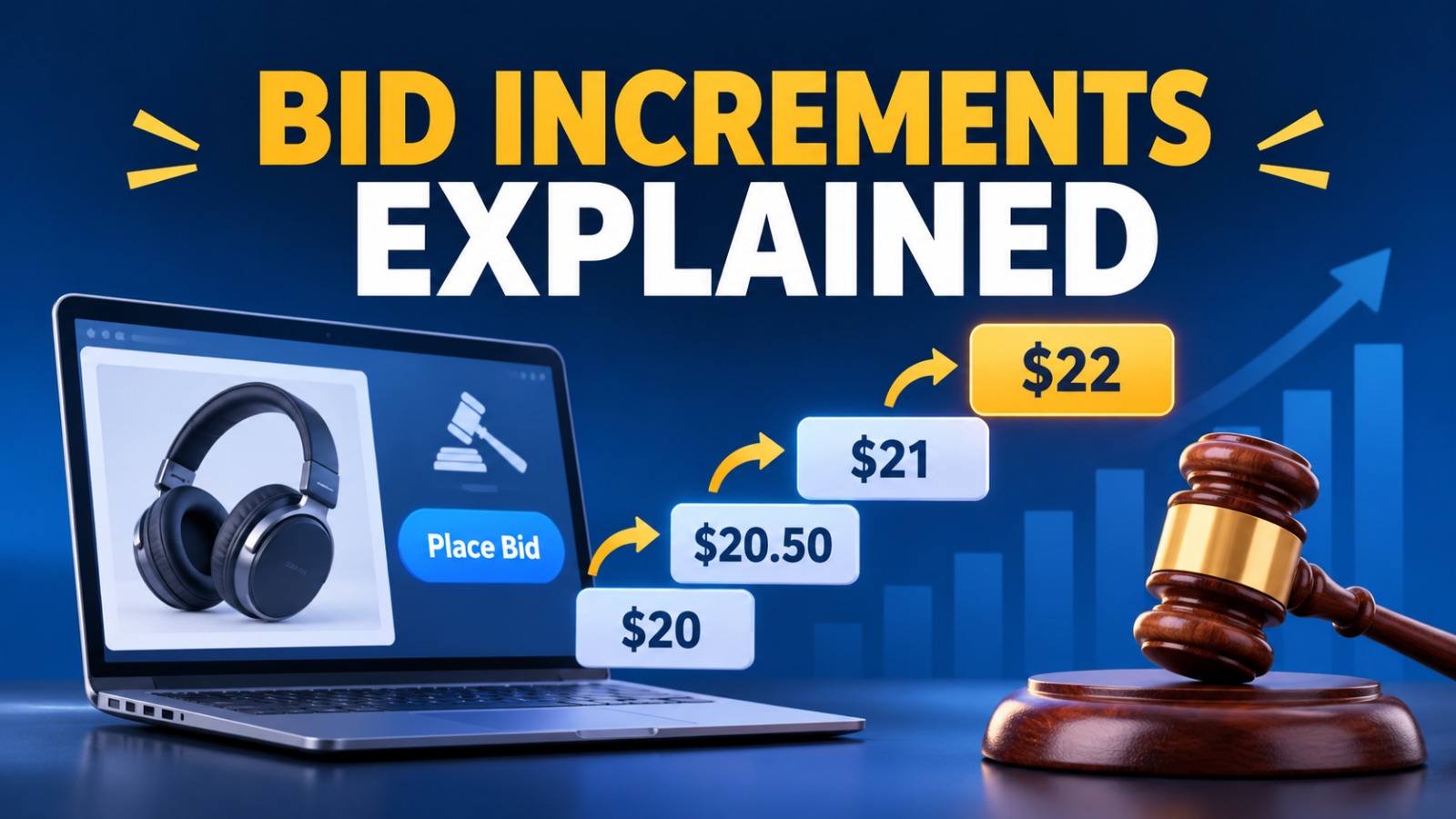
A bid increment is the minimum amount by which a new bid must beat the current price. Most auctions use a chart where the step grows with the price, for example $0.50 on a $20 item and $10 on a $700 item. Pick steps big enough to stop penny bids and small enough that no serious bidder feels priced out.
It’s the minimum raise. The auction page shows the current price, adds one increment, and calls the result the minimum bid. Nobody can bid below it.
The increment is a floor, not a fixed jump. A bidder can usually offer more than the minimum, and Ultimate Auction Pro accepts any bid at or above the current price plus the increment. [VERIFY: current behavior with a test bid.]
Size matters in both directions. Steps that are too small invite a stream of micro-bids that clutters the bid history and drags out the end of the auction. Steps that are too large shut out bidders who wanted to go up by a little. You’re looking for the middle.
Here’s a quick example using eBay’s US chart. An item sits at $68.45. That price falls in the $25 to $99.99 band, where the step is $1, so the minimum bid is $69.45. A bid of $69 gets rejected, even though it’s higher than the current price.
[PLACEHOLDER: screenshot from your own auction showing the current price, the increment, and the minimum bid on the listing page.]
With proxy bidding, each bidder enters a maximum, and the system bids for them one increment at a time. The price you see equals the runner-up’s maximum plus one increment, not the leader’s maximum.
Take this example, using eBay’s $2.50 step for prices from $100 to $249.99. Bidder A sets a maximum of $150. Bidder B then sets a maximum of $120. The system raises the price to $122.50, which is B’s $120 plus one $2.50 step. A leads, and if the auction ended now, A would pay $122.50, not $150.
This is why increments matter more than they look. They decide how high the price climbs every time a second bidder shows up, so a bigger step lifts the final price whenever the top two maximums sit close together.
Want more on how the engine works? See our guides to what a proxy bid is and proxy vs manual bidding.
[PLACEHOLDER: a real bid history from one of your auctions showing proxy bids rising in steps.]
A bid increment chart lists price bands and the step used in each band. Here’s the long-running eBay US chart, which most buyers know. [VERIFY: eBay says it tests changes to increments, so check the current chart on eBay’s help page before publishing.]
| Current price | Bid increment |
|---|---|
| $0.01 to $0.99 | $0.05 |
| $1.00 to $4.99 | $0.25 |
| $5.00 to $24.99 | $0.50 |
| $25.00 to $99.99 | $1.00 |
| $100.00 to $249.99 | $2.50 |
| $250.00 to $499.99 | $5.00 |
| $500.00 to $999.99 | $10.00 |
| $1,000.00 to $2,499.99 | $25.00 |
Charts differ by marketplace. eBay’s UK chart starts with $0.05-style steps too, but the amounts in the bands change, for example £0.20 from £1 to £4.99 where the US chart uses $0.25. So copying a chart from another country isn’t safe.
Here’s the useful pattern. From $25 upward, each step sits at roughly 2% to 4% of the price where the band starts. A $1 step at $25 is 4%. A $2.50 step at $100 is 2.5%. A $5 step at $250 is 2%. A $10 step at $500 is 2%. A $25 step at $1,000 is 2.5%.
That gives you a starting rule for your own chart: aim for steps of about 2% to 4% of the band’s starting price, then adjust from real bidding data.
Use a fixed increment when all your items sit in a narrow price range. Use variable increments when prices can differ by a factor of three or more.
A fixed step is simple to explain. It suits a charity night where every item sells between $20 and $200 and a $5 step works everywhere. It breaks down fast on a general store. A $5 step on a $15 item cuts out most bidders, and a $5 step on a $2,000 item produces a long line of tiny bids.
Variable increments solve that by changing the step as the price crosses a band. You set the bands once and every bidder sees the right minimum at every price. My advice: if you’re not sure, go variable. It costs a few minutes at setup and saves you from guessing a single number that fits nothing.
One rule to remember in Ultimate Auction Pro: an auction uses either a simple increment or a variable one, not both at once.
Start with steps of about 2% to 4% of the band’s starting price for everyday goods, and go lower as the price gets high. Then watch your bids per auction and adjust.
Here are example starting points. They’re illustrations to adjust, not rules from a study.
| Auction type | Example bands and steps |
|---|---|
| General goods and collectibles | Under $25: $0.50. $25 to $100: $1. $100 to $500: $5. Over $500: $10 |
| Charity auctions | $5 fixed for items from $20 to $200 |
| Cars | Under $10,000: $250. $10,000 to $50,000: $500. Over $50,000: $1,000 |
| Real estate | Under $100,000: $500. $100,000 to $500,000: $1,000. Over $500,000: $5,000 |
Why do the high-value rows use a lower percentage? On a $50,000 car, 2% is already $1,000, and a step that large would slow down the bidding. Big-ticket buyers also move in rounder numbers, so a $500 or $1,000 step feels natural to them.
Here’s how to tell your settings need work:
[PLACEHOLDER: replace the example numbers with what your own auctions show, for instance “On our test marketplace, moving from a $1 step to a $5 step above $100 cut bids per auction from [X] to [Y].”]
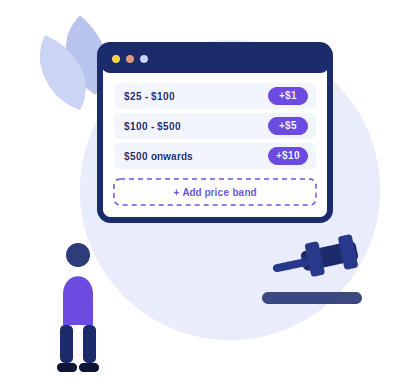
Open the Add Auction product page, switch on Variable Bid Increment, and add one row for each price band. Each row takes a start price, an end price, and the increment for that range.
Here’s the full process:
If you import auctions in bulk, you write the bands in one cell. The format is start-end-step, with bands joined by an asterisk, and the last band ends with “onwards”. For example, 25-100-1*100-500-5*500-onwards-10 gives a $1 step from $25 to $100, a $5 step from $100 to $500, and a $10 step above $500. Our docs cover both methods in the variable increment guide and the bulk import guide.
If you’d rather use a single step, fill in the plain Bid Increment field and leave Variable Bid Increment off. Remember that proxy bidding and soft close work alongside increments, so check how they behave together in a test. See auction sniping and soft close for the timer side. [VERIFY: which license plans include variable increments, since the free plugin also lists the feature and the pricing page may group it differently.]
[PLACEHOLDER: screenshots of the Variable Bid Increment rows on the product page and of the listing showing the minimum bid changing at a band boundary.]
Most mistakes come from picking one number and never checking it again. These six cost the most.
1. One flat step for a wide price range. A single $5 increment can’t fit a $15 item and a $2,000 item. Use bands.
2. Copying another site’s chart. eBay’s chart fits eBay’s mix of items and differs by country. Your price range decides your chart.
3. Steps so small the bid history fills with noise. Penny-style raises make an auction look busy and play out slowly. If you also use soft close, a stream of small late bids can keep extending the timer. [PLACEHOLDER: a real example from your test, if you have one.]
4. Steps so large nobody can join in. If your increment is 20% of the start price, casual bidders stay away. Check the first two or three steps from the opening bid.
5. Ignoring the starting price. A start price set too high looks like an increment problem. Fix the start first.
6. Never testing the bid flow. Register a second account, bid from both, and watch the minimum bid at every band boundary before you go live.
[PLACEHOLDER: one real story. For example, “A customer used a flat $1 step on listings from $20 to $5,000, and [what happened].” This is the paragraph that sets the post apart.]
For more setup guides, browse the Ultimate Auction Pro blog.
Open the live demo, create a test auction with three price bands, and place bids from two accounts. Watch the minimum bid change as the price crosses each band. Ten minutes of testing will tell you more about your settings than any chart, and the variable increment guide walks through the setup screen by screen.


Nitesh Singh is an e-commerce software architect and the Founder of Inception Software LLP. He has 16+ years of software engineering experience and has been building dedicated auction extensions for the WordPress and WooCommerce ecosystems since 2014. Connect with Nitesh on LinkedIn to track his latest developments in automated bidding tech or read his setup guides on the site.
More articles by Nitesh Singh →



 Easy Setup
 5 Star Support