

 Oct 07, 2026
  11 min read
A penny auction site charges bidders for every bid, raises the price one cent at a time, and resets a countdown with each bid.This guide is for store owners and developers who want to build one on WordPress and WooCommerce. You’ll get the build steps, the bid-pack math, and the legal and fraud checks to run before you take a single payment.
To build a penny auction website, set up WordPress with WooCommerce, add an auction plugin, create paid bid packs, set a price increment and a countdown that resets on every bid, connect a payment gateway, and test with real accounts before launch. Check the rules for pay-per-bid auctions in your market first.
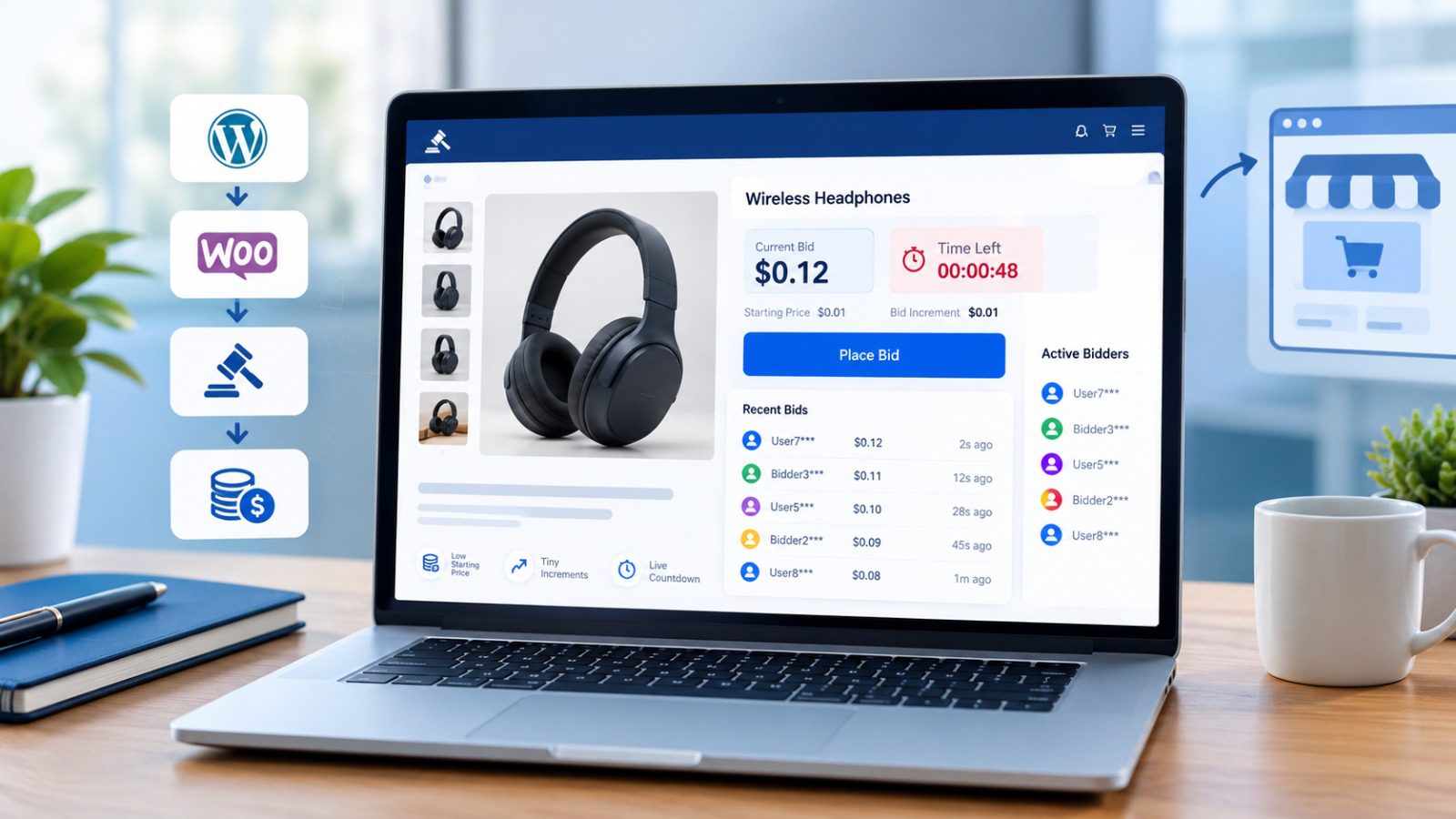
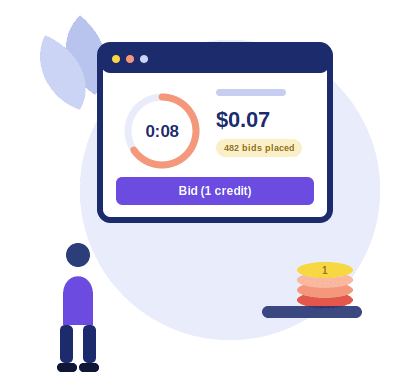
A penny auction is an auction where bidders pay for every bid they place. Each bid usually raises the item’s price by one cent and resets a countdown timer. The site earns money from the bids it sells, plus the final price the winner pays.
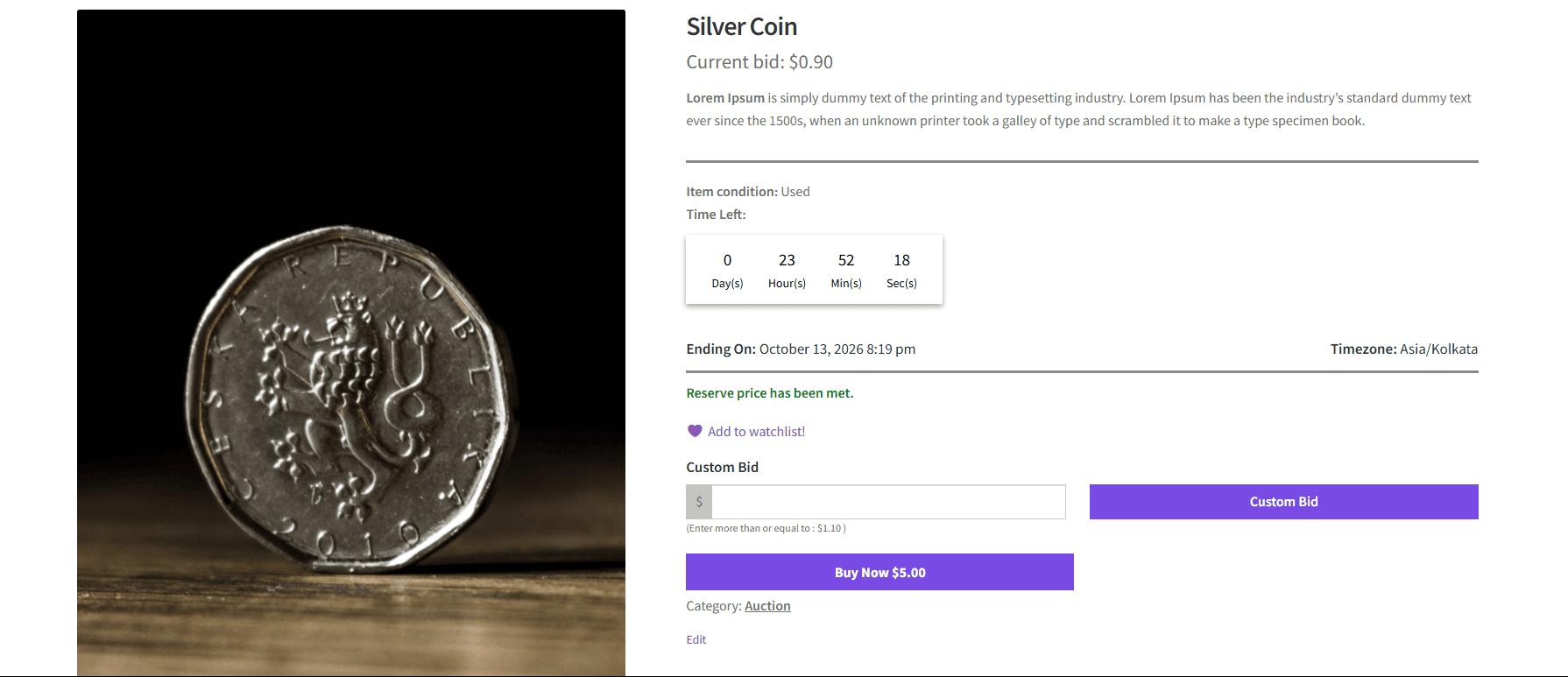
Here’s how one plays out. A bidder buys a pack of bid credits first. Say a bid costs $0.60. The auction starts at $0.00 with a 10-second timer. Someone bids, the price moves to $0.01, and the timer jumps back to 10 seconds. Someone else bids, and it resets again. The auction ends only when the timer runs out with no new bid, and the last bidder wins the item at the current price.
Now the math. Suppose 800 bids come in. Those bids bring in $480 (800 x $0.60). The winner pays $8.00 for the item at $0.01 per bid. You’ve collected $488 on an item that may have cost you $100. Every bidder who lost still paid for the bids they placed. [Illustrative numbers only. Swap in your own.]
A standard timed auction works differently. Bidders pay nothing to bid, the price jumps by set increments, and proxy bidding lets someone enter a maximum while the system bids for them. The site earns when the item sells, through the final price or a commission.
It depends on your market, so check before you build anything. Rules for pay-per-bid auctions differ by country and by state, and a site that’s fine in one place can have problems in another.
Regulators tend to look closely at this model for one reason. Bidders pay for each bid whether or not they win. Some jurisdictions compare that to gambling or lotteries, and others treat it as an ordinary sale.
Before you spend money on development, take these questions to a lawyer:
Whatever the answer, show bidders the rules plainly. Put the cost per bid, how the timer works, and your refund policy on the auction page where nobody can miss them. Clear disclosure also builds trust, which matters a lot on these sites.
This isn’t legal advice. Talk to a qualified lawyer in your market before you launch.
You need seven things: a domain, hosting, WordPress, WooCommerce, an SSL certificate, an auction plugin, and a payment gateway that accepts your business model.
The first five are routine. Hosting deserves more thought than most people give it. Penny auctions run on short countdown timers, often 10 to 20 seconds, and every bid resets the clock for everyone watching. Fifty people bidding at once means a lot of requests hitting your server in a few seconds. Cheap shared hosting can lag, and a lagging timer makes bidders think the site is rigged. Pick a plan with decent server resources, and test it under load before launch.
The payment gateway needs a check too. Some processors restrict or refuse pay-per-bid businesses. You don’t want to find that out after you’ve built the site. Ask each processor directly whether they accept your model, and get the answer in writing.
You’ll also need the legal check from the previous section finished before you take real payments.
You build one in seven steps, from a blank WordPress install to a tested first auction. Steps 5 and 6 depend on whether your plugin handles pay-per-bid pricing, so confirm that before you start.
1. Install WordPress and WooCommerce. Start with a clean install. WooCommerce gives you the shop, cart, checkout, tax, and shipping settings that the auction plugin builds on.
2. Install your auction plugin. Upload and activate it, then enter your license key.Follow the getting started guide if you need help with activation or licensing.
3. Set up the auction cron job. This is the step people skip. The cron job is what opens and closes auctions on time. Without it, a timer can hit zero and nothing happens.
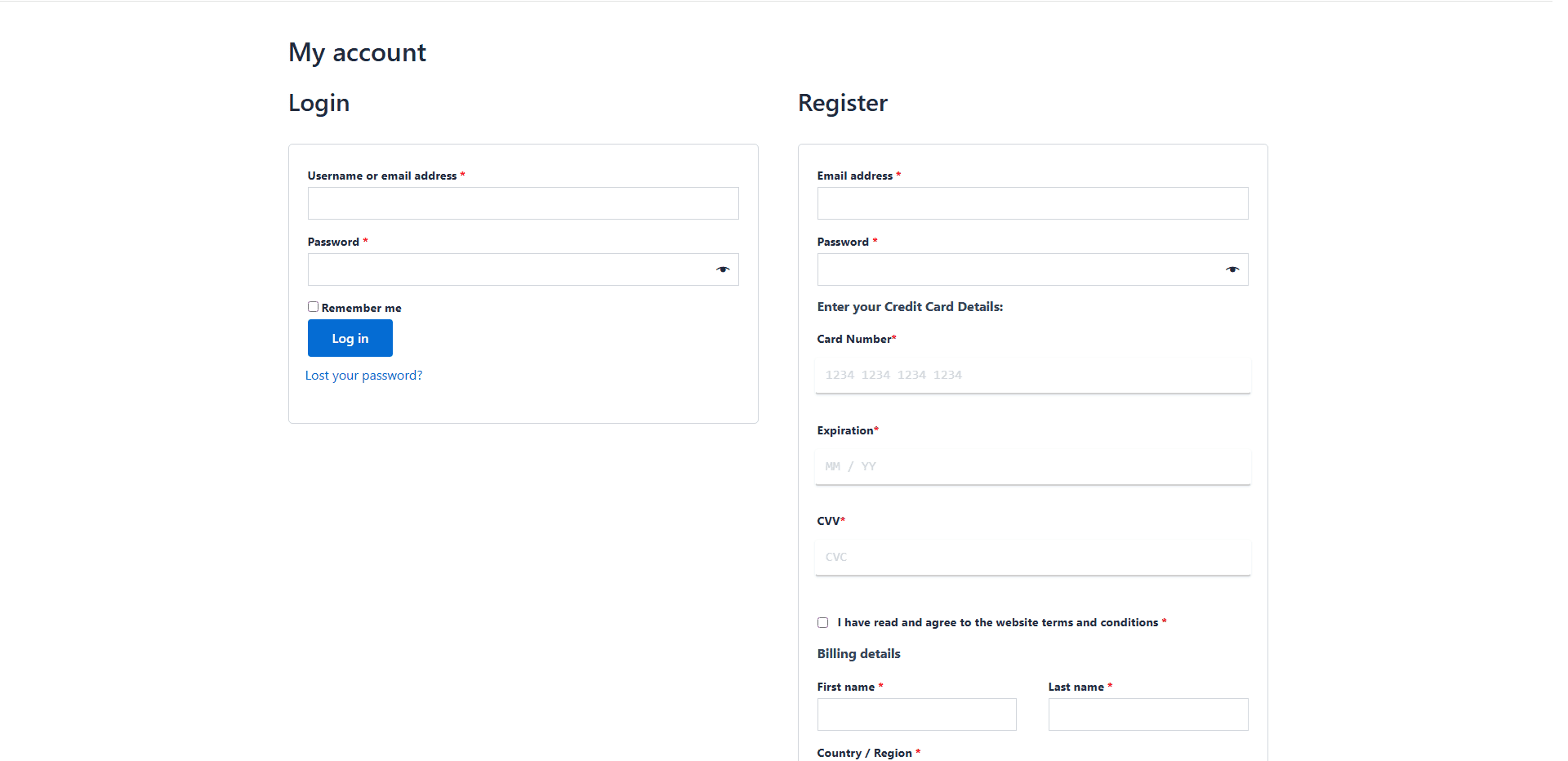
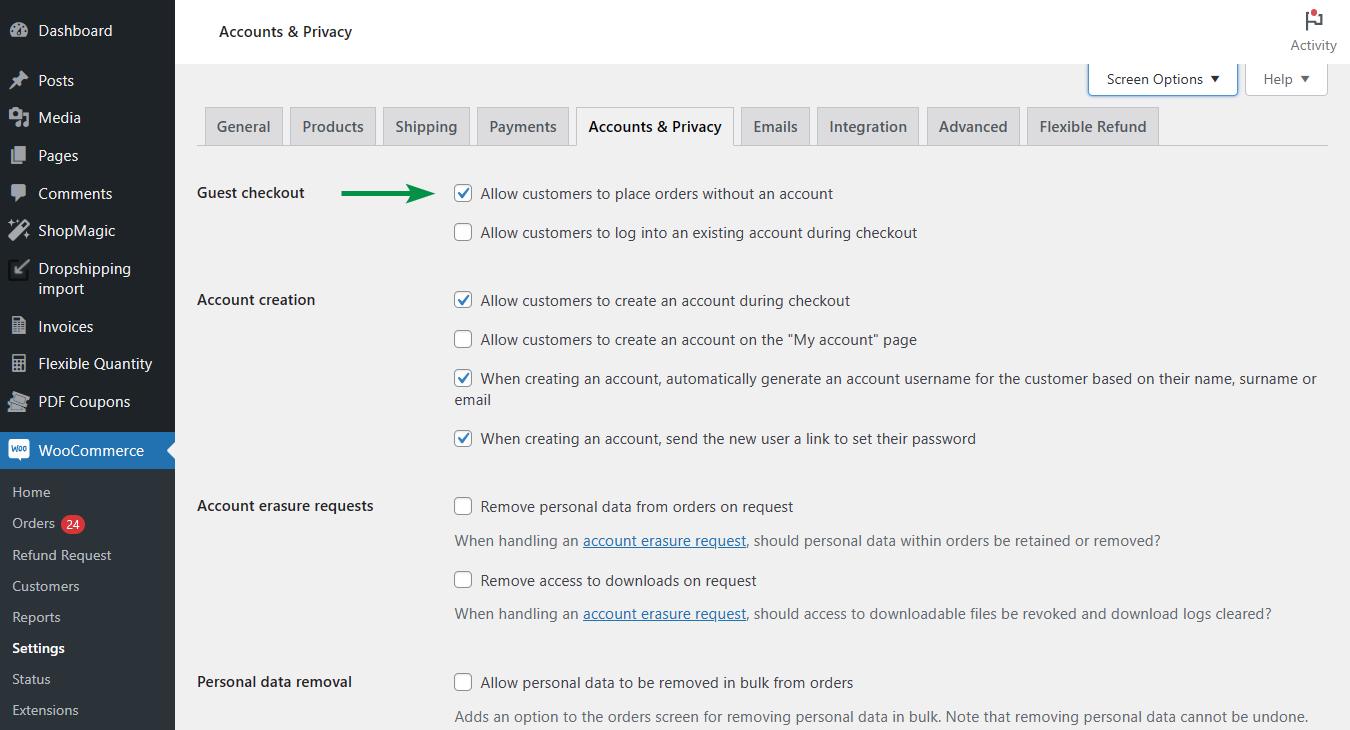
4. Turn on user registration and collect card details at signup. Bidders need accounts before they can bid. Collecting a card at registration filters out fake accounts and makes buying bid packs faster.
5. Create bid packs as products. A bid pack is a product that adds credits to a bidder’s account, such as 50 bids for a set price. If the plugin supports this natively, show the exact settings. If it needs custom development, say so plainly and point to the hooks and filters.
6. Set the bid cost, price increment, and timer reset. There’s no separate “penny auction” setting in the plugin. A penny auction is just a standard auction type configured a particular way, through the bid cost, the increment, and the timer reset. You’re not switching on a different format, you’re dialing in these three numbers on a normal auction. Three numbers control the whole model: what each bid costs the bidder, how much each bid raises the price (usually $0.01), and how many seconds the timer resets to. Use the math from the first section to choose them.
7. Create your first auction and test it with two accounts. Open two browsers, log in as two different bidders, and bid against each other. Watch the timer, the price, and the bid count. Then let one auction end and check that the winner gets the notification and the checkout page.
Work backward from your item cost and the number of bids you expect. Pick the numbers that make the auction profitable at a realistic bid count, then test them.
Three settings control the economics:
Here’s an example with illustrative numbers. Your item costs you $100. Each bid costs the bidder $0.60 and adds $0.01 to the price, so every bid brings you about $0.61 in total. You’d cover the item cost after roughly 164 bids. If 800 bids come in, that’s $480 in bid revenue plus an $8.00 final price, so $488 against a $100 item. These are made-up round numbers. Use your own.
That $488 is before payment processing fees, shipping, and refunds, so don’t treat it as profit. Your break-even bid count should account for those too.
Starting price. Most penny auctions start at $0.00 and climb one cent per bid. A higher starting price shortens the auction and lowers the bid count, which cuts your revenue. Start at zero unless you have a reason not to.
Timer length. A short timer, say 10 seconds, creates pressure and keeps the auction moving. A longer one gives bidders more time to decide, but the auction runs longer. Don’t set it shorter than your site can handle. If your server takes two seconds to register a bid, a 10-second timer already feels unfair to bidders on slower connections.
Run a few test auctions with friends or staff before you open to the public. Watch how many bids it takes to end an auction and adjust from there.

Verify every bidder and make every bid visible. Penny auctions live or die on trust, because bidders pay up front and have to believe the game is fair.
Bidders get suspicious fast. If a few accounts always seem to win, or bids appear out of nowhere in the last second, people leave and tell others. These steps protect you:
Card on file at registration. Asking for a card when someone signs up filters out fake accounts and throwaway signups. Your plugin supports collecting card details at registration.
One account per person. Write it in your rules and check for duplicates. Watch for several accounts sharing the same address, device, or card.
Admin control over bids. You can delete an active bid if you spot something wrong, which your features page lists. Use it sparingly and record why. Deleting bids without explanation will damage trust faster than any bot.
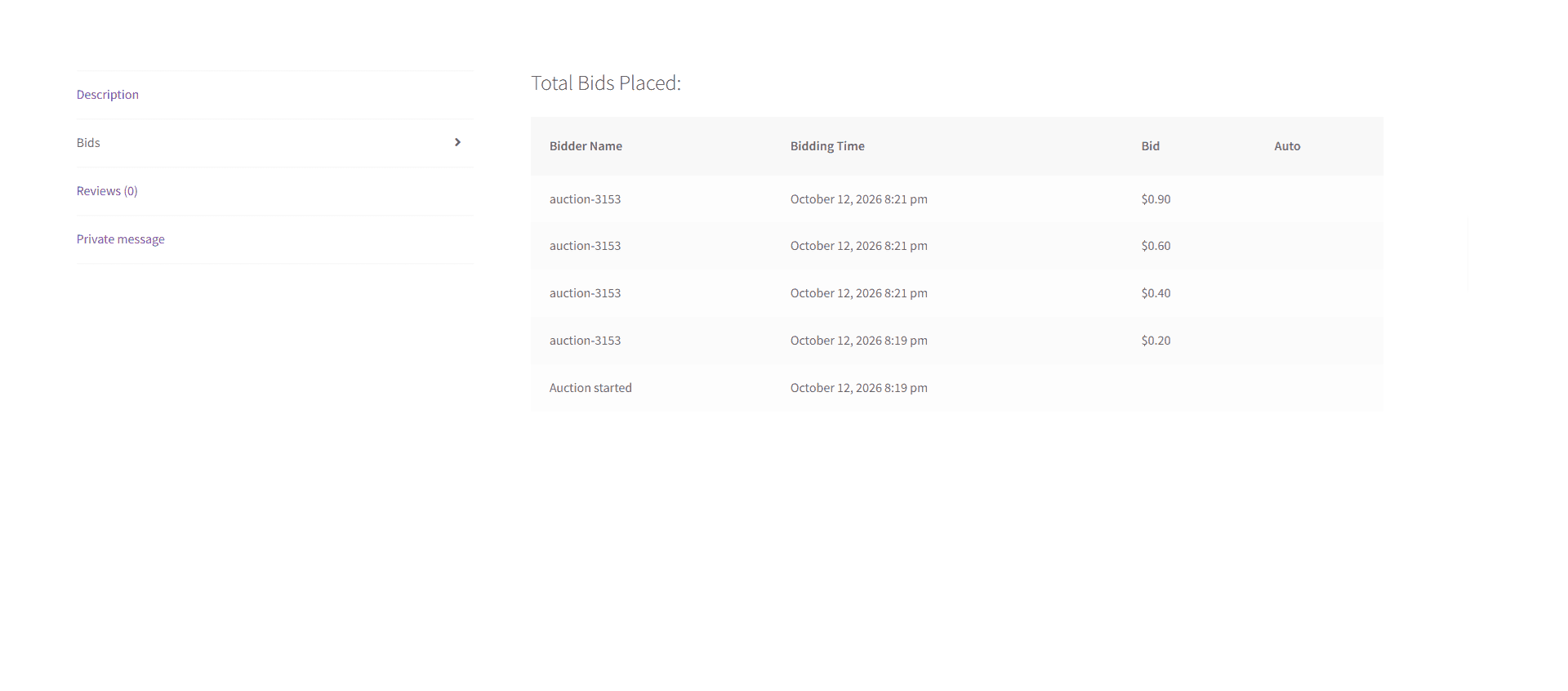
A visible bid history. Show who bid and when on every auction page, even if you display usernames only. Transparency answers most accusations before they start.
Clear rules on the auction page. State the bid cost, how the timer works, how winners are chosen, and your refund policy. Put it where people can see it before they buy bids.
Watch for patterns. Check your bid logs after each auction. Flag accounts that bid only in the final second, bid in perfect rhythm, or win far more often than the average.
Expect four main costs: the plugin, hosting, payment processing, and ongoing support. The plugin is usually the smallest of the four. The surprises tend to come from everything around it.
Split the costs into one-time and monthly. One-time costs include the plugin license (some plans bill yearly, so check), your domain, and any custom development if your pay-per-bid setup needs it. Monthly costs include hosting, email sending, and your time answering bidder questions.
Payment processing deserves a close look. If your processor classes this model as higher risk, expect higher fees or a reserve held against chargebacks. Chargebacks and refunds also eat into revenue, so build them into your break-even math from the earlier section.
Then there’s the cost people forget: legal advice before launch, and marketing after it. A site nobody visits earns nothing, no matter how well it’s built.
Start with a small, trusted audience and a few low-risk auctions. A penny auction site with no activity looks empty, and bidders won’t join an auction nobody else is in.
Begin with the people you can reach directly. Email your list, message past customers, and invite a few friends to test. Early bidders also give you the feedback you need to fix confusing rules before strangers see them.
Offer a launch discount on your first bid packs. A small saving gives people a reason to try the site, and you can pull it once the site has traffic. Start with auctions on items you’re happy to sell at a low final price, so a quiet early auction doesn’t hurt.
Finally, publish a clear “how it works” page. Penny auctions confuse newcomers, and people won’t pay for bids they don’t understand. Use short steps, show the timer and price in a screenshot, and link it from the homepage.
Before you spend on hosting or development, write down three numbers: your item cost, your bid price, and the number of bids you need to break even. If the math only works at a bid count you can’t realistically reach, change the pricing first.
Then open the demo site and run one test auction with two accounts. Watch the timer, the price, and the checkout.


Nitesh Singh is an e-commerce software architect and the Founder of Inception Software LLP. He has 16+ years of software engineering experience and has been building dedicated auction extensions for the WordPress and WooCommerce ecosystems since 2014. Connect with Nitesh on LinkedIn to track his latest developments in automated bidding tech or read his setup guides on the site.
More articles by Nitesh Singh →



 Easy Setup
 5 Star Support